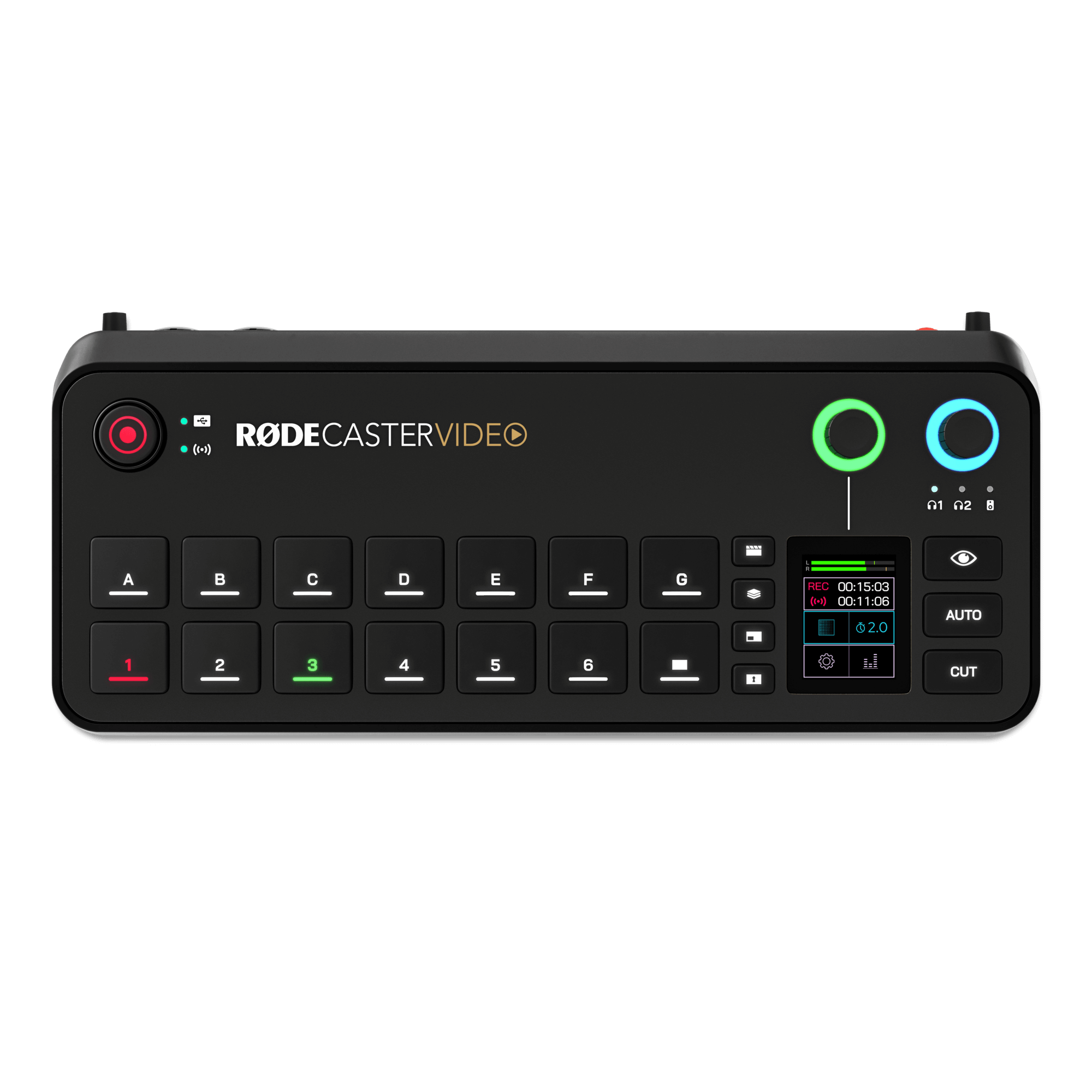
The flagship. Built for multi-camera studios, broadcasters and productions that need the most inputs and outputs.
4K Capture4 HDMI cameras in 4K

Update any RØDECaster Video, Video S or Video Core and it gains two new capture modes for multi-camera recording in 4K or at 1080p60. RØDECaster Sync also comes to the whole family, so you can run your video console together with a RØDECaster Pro II or Duo. The update is free and available now.
Put your console into 4K Capture and it becomes a multi-camera capture hub. Every HDMI camera is recorded separately at 3840 × 2160, 30fps, and sent out over your network as its own NDI stream at the same time. That gives you clean, separate files for the edit and live feeds for OBS, vMix or Ecamm Live.
Pick a console and a mode to see what goes in, what comes out, and what you give up.
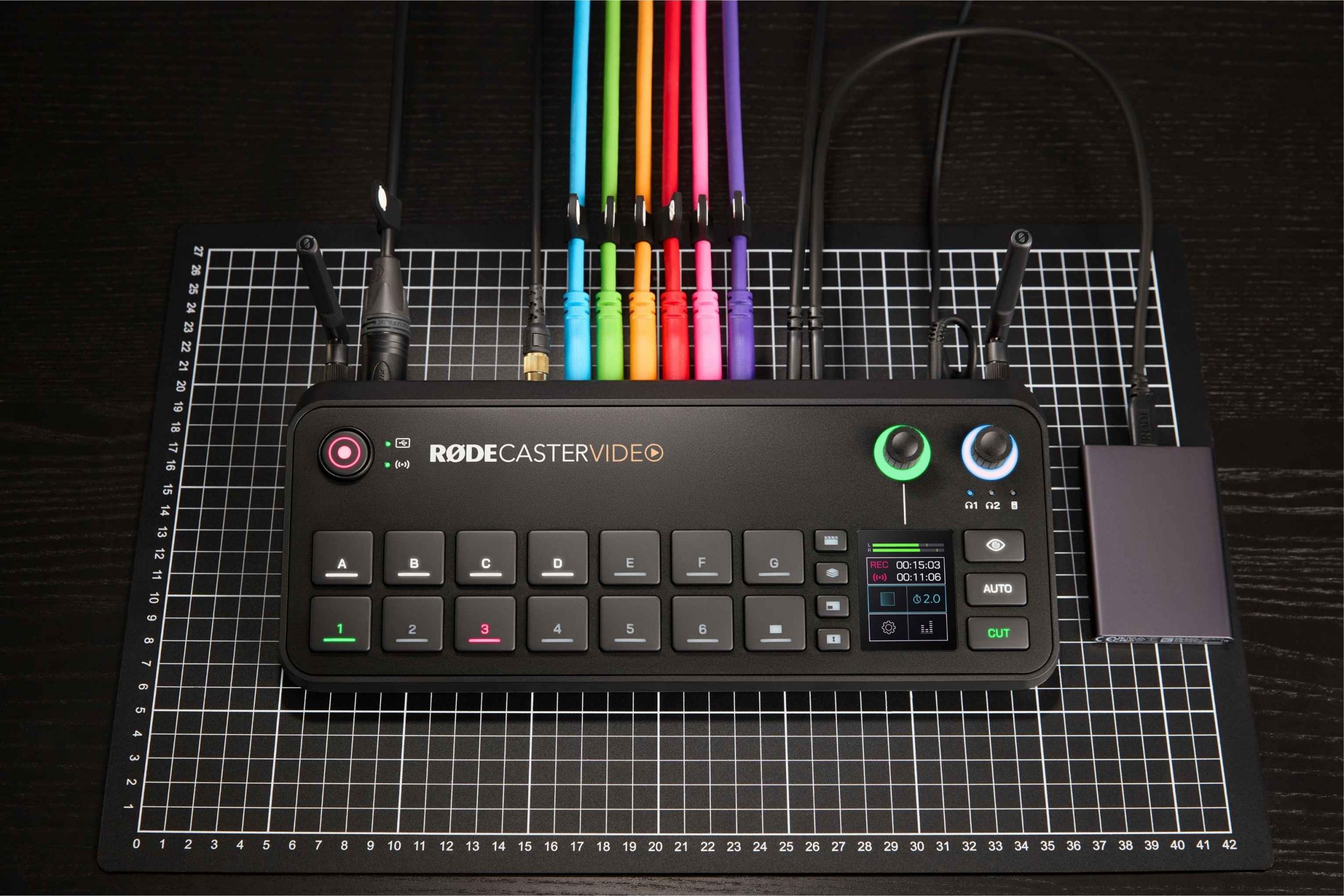
Version 1.4 doesn’t change how your RØDECaster Video works day to day. It adds two capture modes next to the standard mode you already know. Choose one per production and switch back whenever you like. Tap a mode to see what it does.
For multi-camera shoots you’ll cut later, or for feeding 4K cameras into OBS, vMix or Ecamm Live over your network.
Changing between standard mode and either capture mode restarts the console. Select a mode on the console under Settings > Modes, or in the RØDECaster App.
RØDECaster Sync links any RØDECaster Video console to a RØDECaster Pro II or Duo with a single USB-C cable. It launched on the Video Core, and version 1.4 brings it to the RØDECaster Video and Video S. Together they work as one production studio, with more mic inputs, one shared mixer and hands-on control of your video from the audio console.
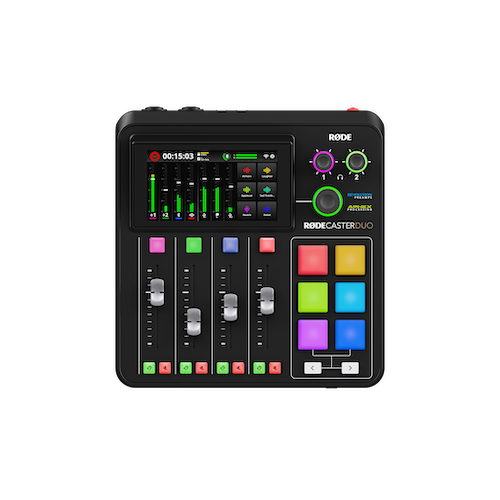
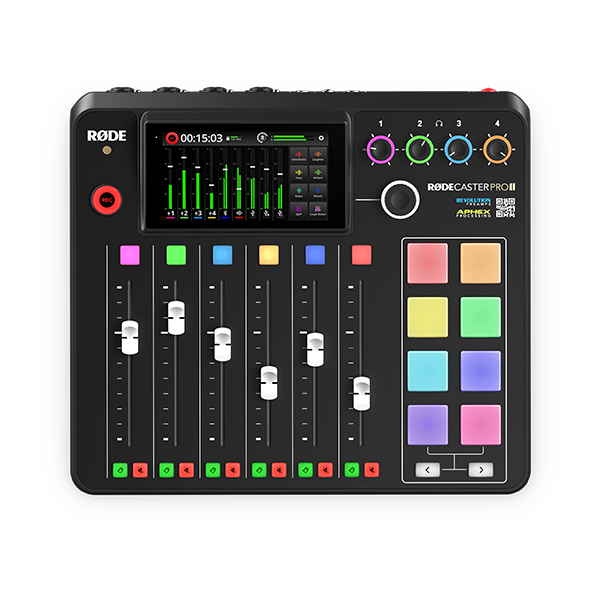
Every RØDECaster Video console has two XLR combo inputs, so these totals are the same whichever model you pair.
The Pro II or Duo’s faders, mute and listen buttons, SMART pads and touchscreen control both machines. A new Video SMART Pad type puts switching, scenes, media, overlays and auto-switching under your fingers.
Both consoles share a single nine-channel mixer, drawn from any input on either unit. Channel processing and custom output routing are shared too.
Audio and video record together to the RØDECaster Video’s drive, so your files stay in one place for the edit.
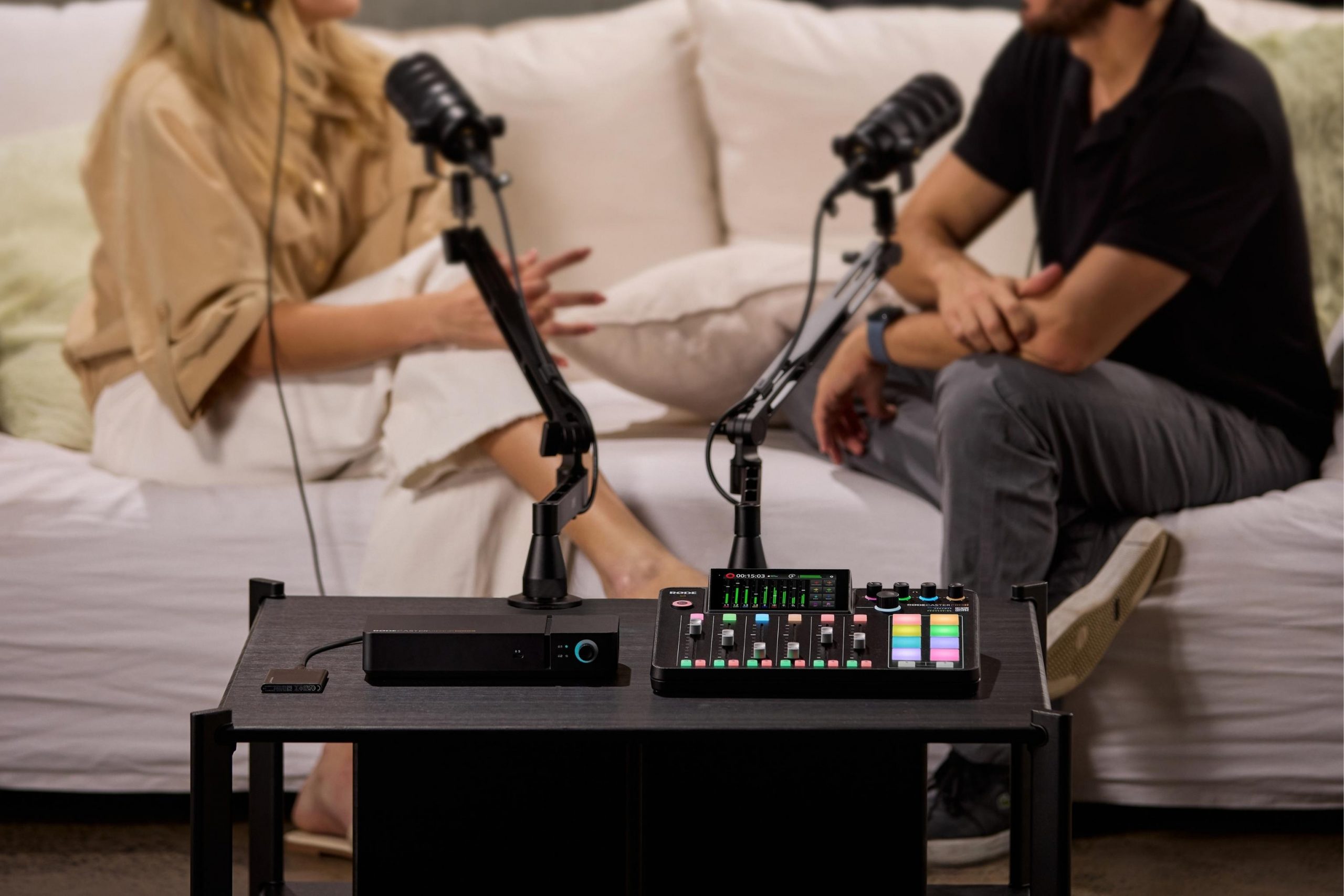
How to connect: update both consoles to their latest firmware, then connect them with a USB-C cable.
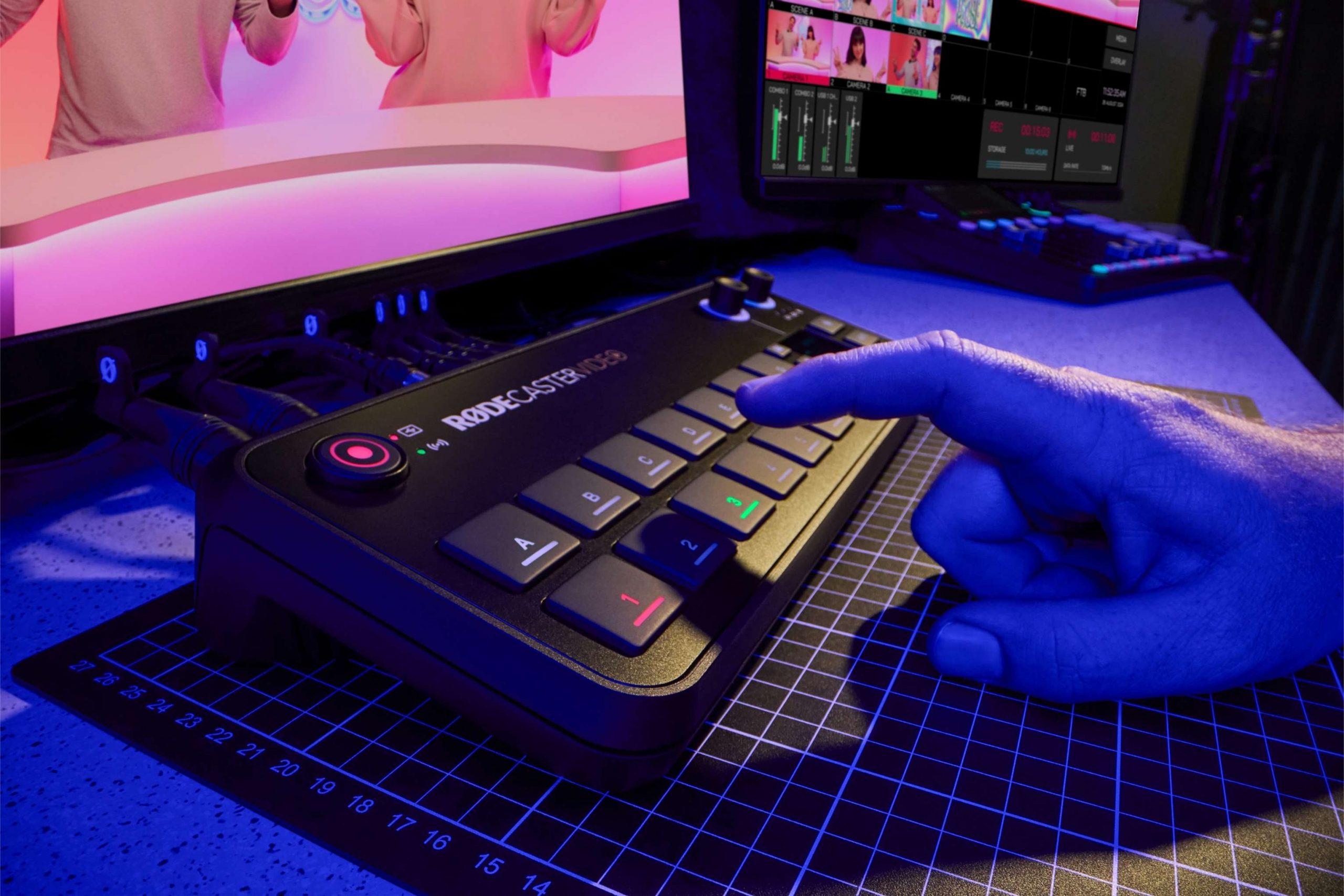
Export your show as an OTIO file and rebuild the full multi-camera timeline in Adobe Premiere Pro for fine edits. It joins the DaVinci Resolve EDL export added in version 1.3.
Your RØDECaster Video can now take audio from any compatible USB webcam and bring it into the mix.
Switch scenes from your computer keyboard in the RØDECaster App, turning it into a switching surface of its own.
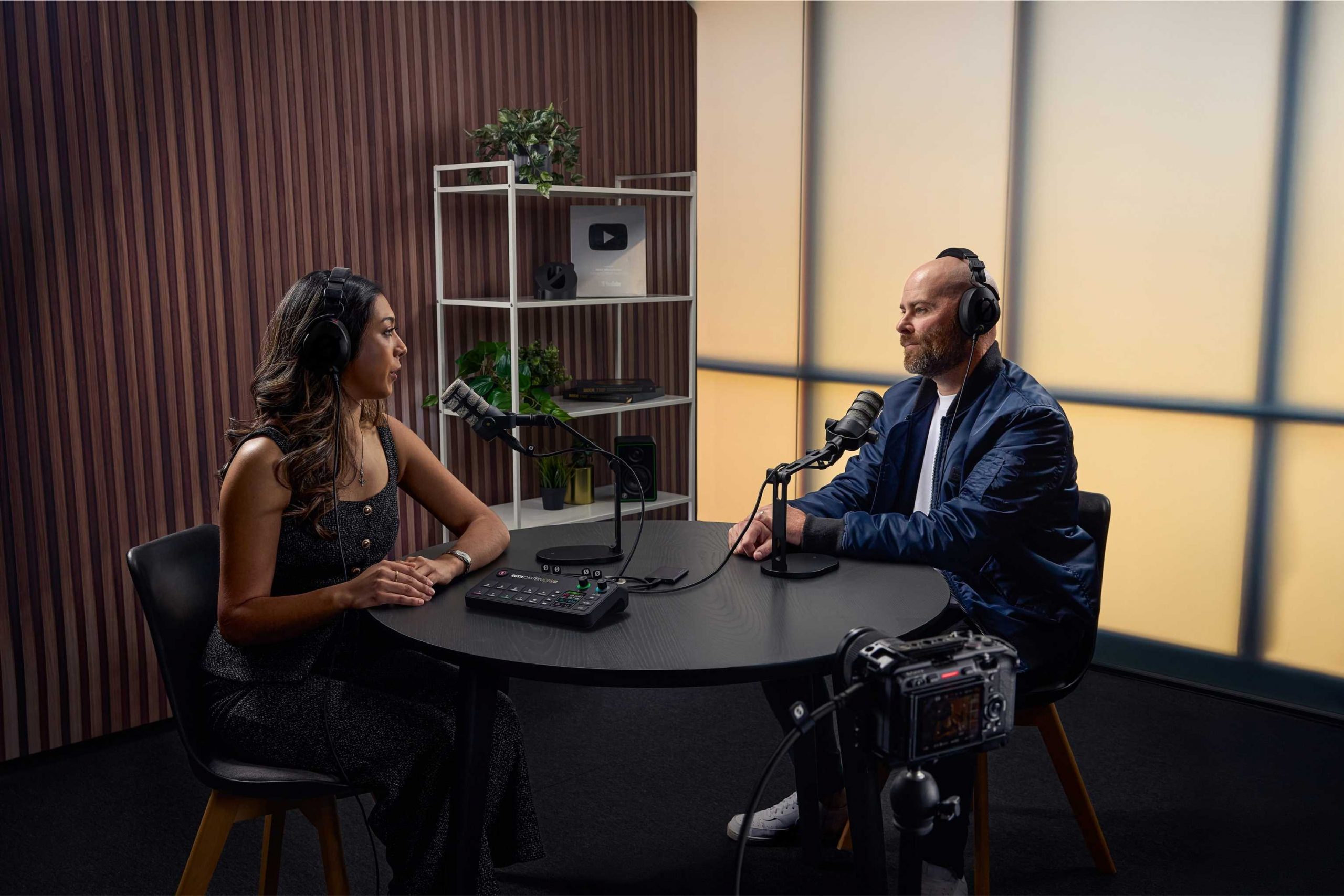
The update is free on all three consoles, and all three support RØDECaster Sync. The main difference is how many 4K cameras each one takes.

The flagship. Built for multi-camera studios, broadcasters and productions that need the most inputs and outputs.
4K Capture4 HDMI cameras in 4K
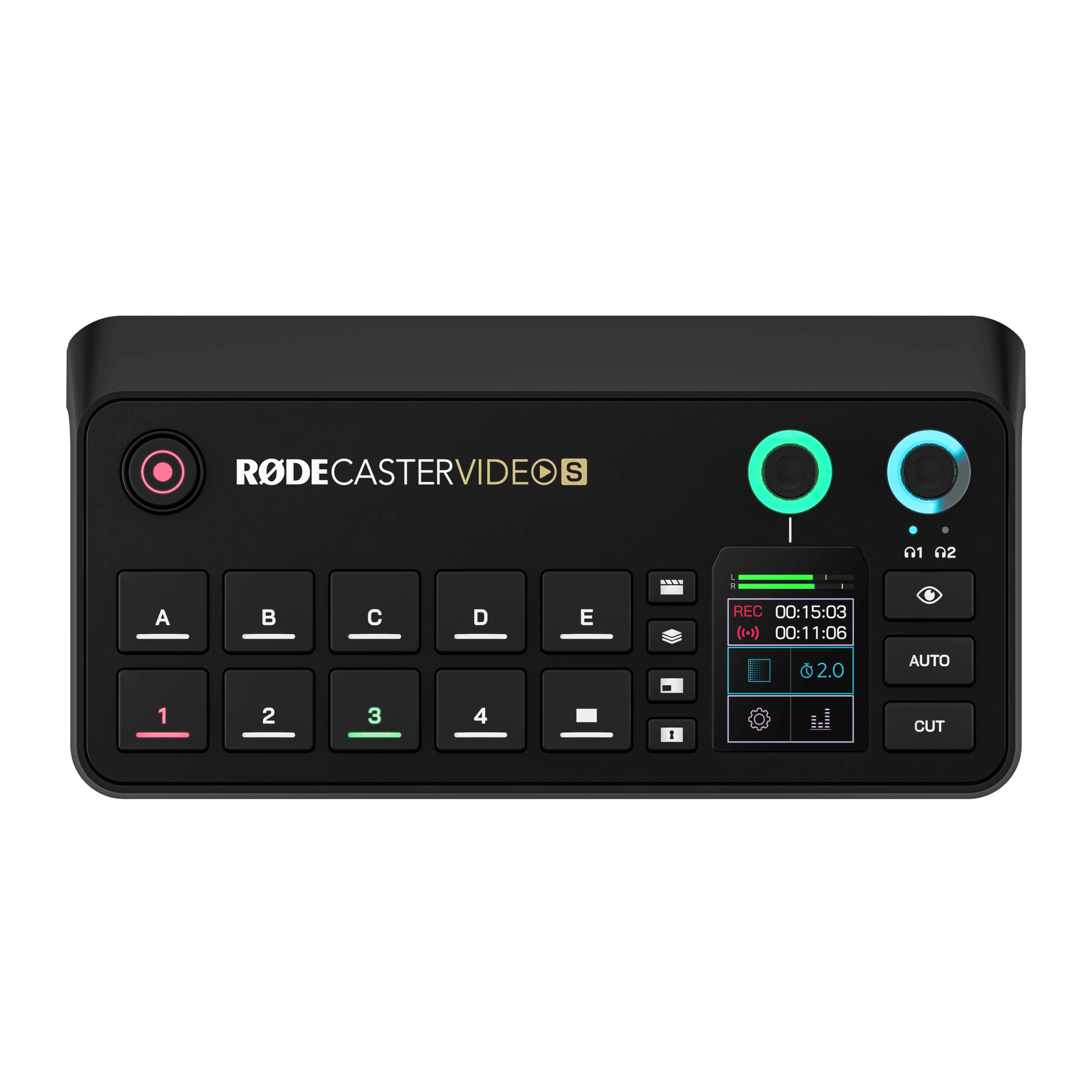

Compact and hands-on. Built for solo creators, video podcasters and live streamers.
4K Capture3 HDMI cameras in 4K
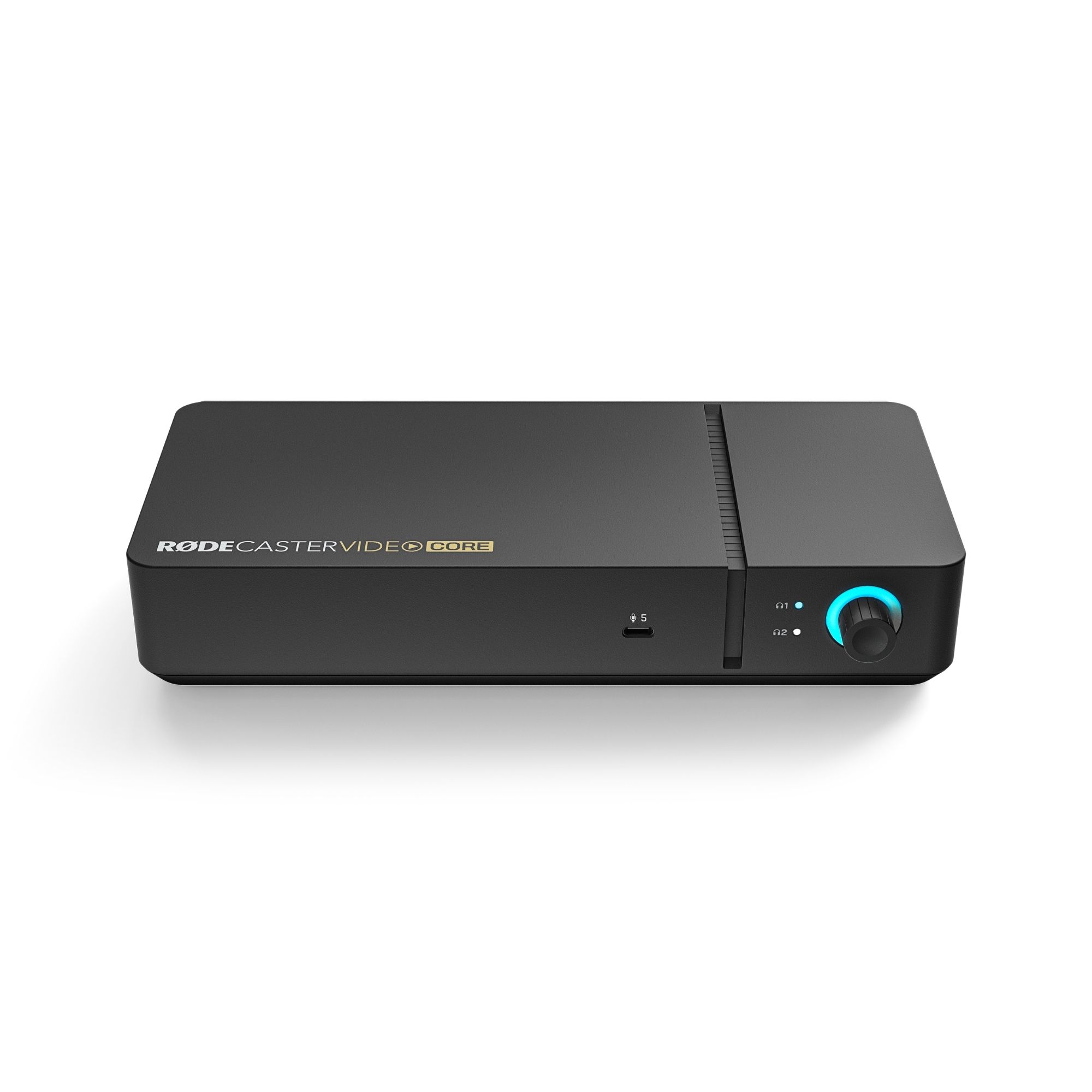

Software-controlled and modular. Run it from the RØDECaster App, or from a RØDECaster Pro II or Duo with Sync.
4K Capture3 HDMI cameras in 4K
Already own one? Version 1.4 is a free update. See the FAQ below for how to install it.
Side by side, including what version 1.4 adds to each console.
| | | |
|---|---|---|---|
| New in version 1.4 | |||
| 4K Capture mode | 4 × HDMI at 4K30 | 3 × HDMI at 4K30 | 3 × HDMI at 4K30 |
| FHD Capture mode | 1080p60 | 1080p60 | 1080p60 |
| RØDECaster Sync | Yes | Yes | Yes |
| Video | |||
| Video Sources | 6 | 4 | 4 |
| HDMI Inputs | 4 | 3 | 3 |
| UVC Inputs | 2 | 1 | 1 |
| NDI Inputs | 4 | 4 | 4 |
| Video Outputs | 2 × HDMI, 1 × UVC, 1 × NDI | 1 × HDMI, 1 × UVC, 1 × NDI | 1 × HDMI, 1 × UVC, 1 × NDI |
| Recording (standard mode) | PGM at 1080p60 and 6 × ISO at 1080p30 | PGM at 1080p60 and 4 × ISO at 1080p30 | TBC |
| Streaming | RTMP / RTMPS | RTMP / RTMPS | RTMP (Ethernet) |
| Keying / DSK / Auto Switching | Yes | Yes | Yes |
| Preview & Program Layers | 9 | 9 | TBC |
| Custom Scenes | 7 | 5 | 5 |
| Control | |||
| Hands-on control | Front panel and touchscreen | Front panel and touchscreen | RØDECaster App, or a Pro II / Duo via Sync |
| Remote Control (RØDECaster App) | Yes | Yes | Yes |
| Audio | |||
| Total Audio Channels | 9 × Stereo | 9 × Stereo | 9 × Stereo |
| Analogue Audio Inputs | 2 × Combo Jacks | 2 × Combo Jacks | 2 × Combo Jacks |
| Analogue Audio Outputs | 2 × Headphones, 2 × Line Outputs | 2 × Headphones | 2 × Headphones |
| USB Audio Interfaces | 3 | 3 | 2 |
| USB Audio Device Hosting | 2 | 1 | TBC |
| Wireless Audio Receivers | 2 | 2 | TBC |
| Connectivity and storage | |||
| Ethernet / Wi-Fi / Bluetooth® | Yes | Yes | TBC |
| Video Players | 2 | 2 | TBC |
| Media Storage | microSD Card | 24GB Internal (20GB User Configurable) | TBC |
Straight answers on what the update does, what it doesn’t, and how to get it running.
No. 4K Capture is a separate operating mode for capturing 4K30 video from your HDMI cameras, recording each one as its own file and sending each out as an NDI stream. To reach that resolution, most switching features are reduced or turned off in this mode, including multi-camera scenes, keying, transitions, media playback and direct streaming. They all still work in full in the standard FHD Switching mode.
Yes. Version 1.4 is a free firmware update for the RØDECaster Video, RØDECaster Video S and RØDECaster Video Core, and it’s available now.
First update your console to firmware 1.4 using RØDE’s guide for the RØDECaster Video and Video S or the Video Core. Then choose 4K Capture or FHD Capture under Settings > Modes on the console, or under Device Configuration > System > Modes in the RØDECaster App. The console restarts when you change mode. The walkthrough video above shows the whole process.
Both capture modes use the console’s HDMI inputs. If your webcam has an HDMI output, or you run it through a USB-to-HDMI converter, it will work.
Up to four on the RØDECaster Video, and up to three on the RØDECaster Video S and Video Core, all at 3840 × 2160 and 30fps.
To an external SSD connected to the console. Each camera is recorded as its own file, in H.264 or H.265.
Not from the console. Direct streaming over RTMP or SRT is only available in the standard mode. In the capture modes, each camera goes out as its own NDI stream, so you can stream from NDI software such as OBS, vMix or Ecamm Live instead.
Update both your RØDECaster Video and your RØDECaster Pro II or Duo to their latest firmware, then connect them with a USB-C cable. Every RØDECaster Video console has two XLR inputs, so pairing one with a Pro II gives you six XLR mic inputs and pairing one with a Duo gives you four, all in one shared nine-channel mixer.
From authorised RØDE dealers across the country. Tap Buy Now on any console to see where to buy. Buying from an authorised dealer means your console is supported locally by Paul Bothner, RØDE’s sole South African distributor.
Where to buy
Choose your province, then a dealer. Buy now opens the dealer's own product page; most dealers deliver nationwide.
Prices on dealer sites include VAT. Stock and delivery options vary by dealer.